
IPTV EPG: What It Is, How It Works, and How to Set It Up
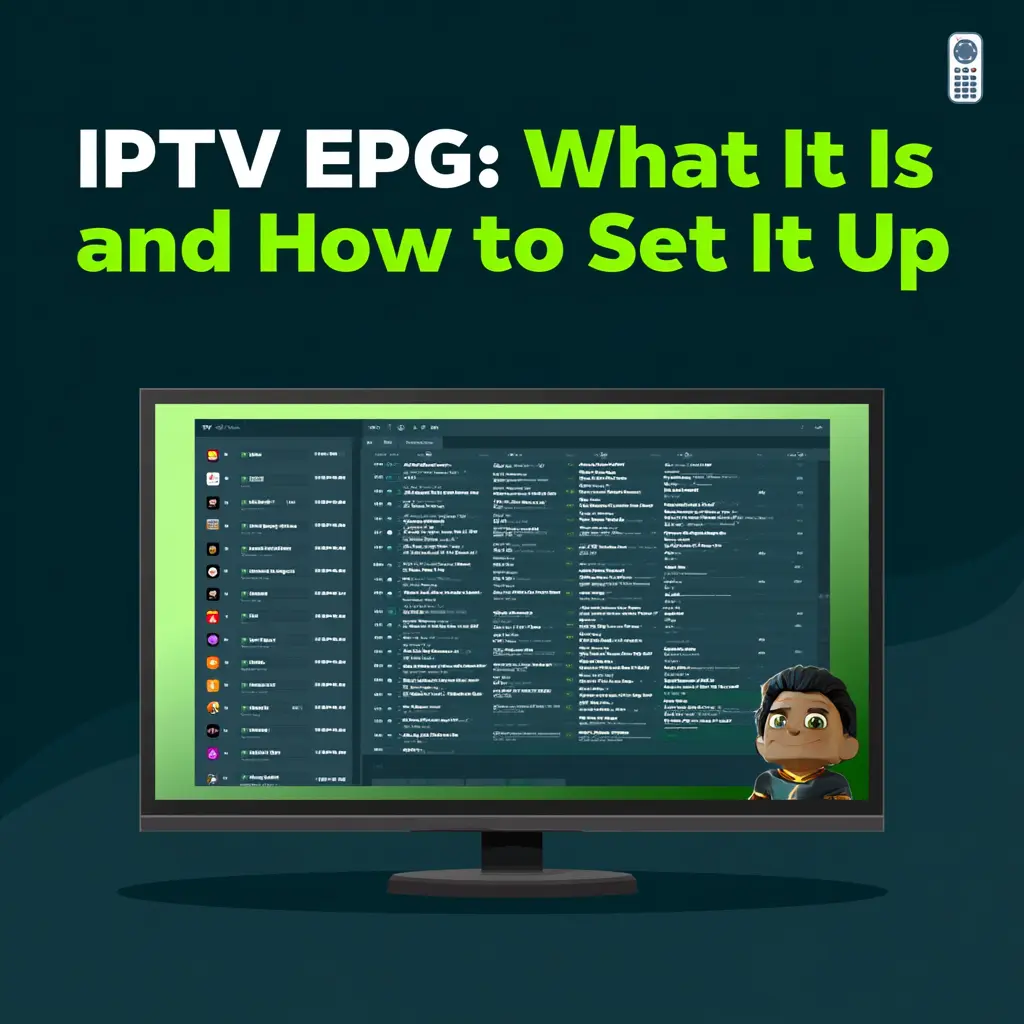
If you want the full overview of IPTV before diving into guide features, start with our what is IPTV pillar page. An IPTV EPG is one of the most important parts of any streaming setup because it turns a basic channel list into a proper TV guide.
Whether you are new to IPTV or looking to improve your setup, understanding the IPTV EPG will make your viewing experience feel much more like traditional television. If you are comparing providers, visit IPTV Providers USA to explore services that include a full working guide.
What Is IPTV EPG?
IPTV EPG stands for Electronic Program Guide. It is the interactive on-screen TV guide built into your IPTV app that shows you what is currently playing, what is coming up next, and the schedule for the days ahead.
Think of it as the digital version of a cable TV guide, but updated in real time, searchable, and built directly into your streaming player. A good IPTV EPG displays program titles, descriptions, start and end times, episode information, and genre categories for every channel in your subscription.
Without an IPTV EPG, you would have to scroll through channels blindly with no idea what is playing. With it, you can plan your viewing, set reminders, and navigate your entire channel lineup much faster.
How Does IPTV EPG Work?
An IPTV EPG works by fetching schedule data from your provider’s servers and displaying it inside your IPTV player app. Here is the basic process:
Your IPTV provider collects program schedule data from broadcasters and content sources.
That data is formatted into an XMLTV feed, the most widely used EPG format.
Your IPTV player app fetches the EPG URL automatically or through a URL you enter manually.
The app displays the schedule as an interactive grid or list.
The EPG updates regularly so the schedule stays accurate throughout the day.
On most apps, the IPTV EPG updates automatically, but some require a manual refresh every 24 hours to load the latest data.
Why IPTV EPG Is Important
A working IPTV EPG makes a huge difference to your daily streaming experience. Here is why it matters:
You can see what is playing right now on every channel without guessing.
You can check the full schedule for the next 7 days in advance.
You can set reminders for live sports, TV shows, or movies.
You can use catch-up TV to replay programs that already aired.
You can search by program name or genre more quickly.
You can navigate hundreds or thousands of channels without getting lost.
For sports fans especially, the IPTV EPG is essential. Instead of wondering which channel is showing the NFL game or Champions League match, you can check the guide and go straight to the right stream.
IPTV EPG Formats
Most IPTV EPG systems use one of two data formats:
XMLTV is the most common and widely supported format. It is an open standard used by major IPTV apps including TiviMate, IPTV Smarters Pro, and Perfect Player. Your provider delivers an XMLTV URL that the app fetches automatically.
JTV is a proprietary format used by some older IPTV apps. It is less common today but still supported by certain players.
For most users, XMLTV is the format you will encounter with any modern IPTV service. As long as your provider supplies an EPG URL, setup usually takes less than a minute inside your app.
Best IPTV Apps for EPG
The quality of your IPTV EPG experience depends largely on the player app you use. Some apps display the EPG as a full scrollable grid, while others use a simple list view. Here are the top options:
TiviMate is widely considered the best IPTV app for EPG display. It shows a full grid view with channel logos, program descriptions, and catch-up TV support. It also supports recording directly from the EPG. TiviMate is a strong choice for Firestick and Android TV.
IPTV Smarters Pro is one of the most popular apps overall and includes solid EPG support. It works on Firestick, Android, iOS, and Smart TVs. The guide usually loads automatically after login.
Perfect Player is a lightweight app with a traditional grid EPG. It is a good option for Android TV boxes and Firestick users who prefer simplicity.
GSE Smart IPTV supports both M3U and Xtream Codes login and includes a built-in EPG viewer. It works across iOS, Android, and Smart TVs.
If you want the smoothest experience, Firestick users should also read our best IPTV for Firestick guide.
How to Set Up IPTV EPG
Setting up an IPTV EPG is straightforward on any modern player app. Here is how to do it in the most common apps:
In TiviMate:
Open TiviMate and go to Settings.
Select Playlist and then your active playlist.
Find the EPG Source option.
Enter the XMLTV URL provided by your IPTV provider.
Save and wait for the guide to load.
In IPTV Smarters Pro:
Log in using your Xtream Codes or M3U details.
The EPG usually loads automatically from the provider.
If it does not load, go to Settings and enter the EPG URL manually.
In Perfect Player:
Go to Settings, then EPG.
Enter your XMLTV URL in the EPG Source field.
Select Update EPG Now to load the schedule.
If your provider does not supply an EPG URL, you can sometimes use free public sources such as iptv-org/epg on GitHub or other XMLTV feeds that cover thousands of channels worldwide.
IPTV EPG and Catch-Up TV
One of the most useful features connected to the IPTV EPG is catch-up TV. When a provider supports catch-up, the guide links each program entry to a recorded version that you can watch after it has aired.
For example, if you missed a football match that aired last night, you can open the IPTV EPG, find the program in the schedule, and play it back directly without searching for a separate recording or VOD file.
Catch-up TV typically covers the previous 7 days on supported channels. Not all channels support it, but premium providers often include catch-up on major sports, news, and entertainment channels.
Common IPTV EPG Problems and Fixes
EPG issues are one of the most common support questions for IPTV users. Here are the most frequent problems and how to fix them:
EPG not loading:
The EPG URL may be incorrect or expired. Check with your provider for the current URL and re-enter it in your app settings.
EPG showing wrong times:
This is usually a timezone mismatch. Go into your app settings and adjust the EPG timezone offset to match your local time.
EPG missing for some channels:
Not every channel in a subscription has EPG data. This can be due to licensing restrictions or regional limitations.
EPG data is outdated:
Manually refresh the EPG inside your app. In TiviMate, go to Settings and select Update EPG. In IPTV Smarters, pull down to refresh on the guide screen.
App crashes when loading EPG:
Large guide files can overload older devices. Try reducing the number of days of guide data loaded at once, or switch to a lighter player app.
IPTV EPG vs Traditional TV Guide
| Feature | IPTV EPG | Traditional TV Guide |
|---|---|---|
| Format | Interactive digital grid | Printed booklet or cable guide |
| Update frequency | Real-time or daily | Weekly print, daily on-screen |
| Search | Yes, by name or genre | Limited or none |
| Reminders | Yes | Sometimes |
| Catch-up TV | Yes, on supported channels | No |
| Channel count | Thousands | Hundreds |
| Customization | Yes, filter by genre or language | No |
The IPTV EPG is a major upgrade over both printed guides and basic cable TV listings.
Does Every IPTV Service Include EPG?
Not every IPTV service includes a working EPG. Some low-cost or unreliable providers deliver only a channel list with no guide data, leaving users with no way to see what is playing or plan ahead.
A quality IPTV service should include a working IPTV EPG as a standard feature. When comparing providers, always check whether EPG is included, whether it covers all channels or only some, and whether catch-up TV is supported.
You can compare services that include full EPG support in our best IPTV guide. If you want to test a service before subscribing, check our IPTV free trial page where you can evaluate EPG quality before paying.
Is IPTV EPG Legal?
Using an IPTV EPG is completely legal. The EPG is simply a schedule guide that displays program information. It does not stream or distribute content on its own.
Legality depends on the IPTV service itself, not the guide. A legitimate licensed service that includes EPG is fully legal to use in the United States. For more detail, read our is IPTV legal in USA article.
IPTV EPG FAQ
What does EPG mean in IPTV?
EPG stands for Electronic Program Guide. It is the interactive channel schedule built into your IPTV app.
Why is my IPTV EPG not working?
The most common causes are an incorrect EPG URL, outdated data, or a timezone mismatch.
What is the best app for IPTV EPG?
TiviMate is widely considered the best app for displaying IPTV EPG data, especially on Firestick and Android TV.
Can I use a free EPG source?
Yes. Free XMLTV feeds are available from public sources and community projects that cover thousands of channels.
Does IPTV EPG support catch-up TV?
Yes, on providers and channels that support it. Catch-up TV lets you replay programs from the past 7 days directly from the guide.
Final Thoughts
The IPTV EPG is one of the most important features of any good IPTV service. It transforms a basic channel list into a fully navigable TV experience complete with schedules, reminders, and catch-up TV.
If you want the broader explanation of how IPTV itself works, start with our what is IPTV pillar page. If your current service has a poor or missing IPTV EPG, it is worth switching to a provider that offers full guide support. Visit iptvprovidersusa.com to find services with reliable EPG data, or explore our best IPTV guide to compare your options today.